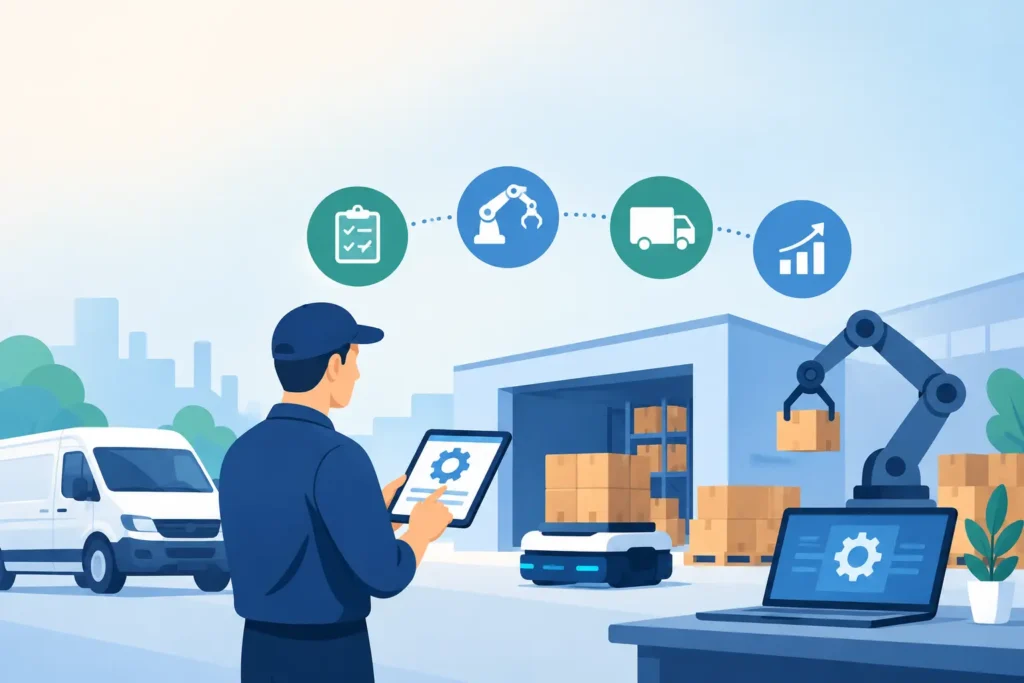
A homeowner with a burst pipe does not leave three voicemails and wait until morning. They call the next plumber. That is why the top automation ideas for trade businesses should start with the moments that decide revenue: the first response, the booking, and the follow up after your crew is back on the road.
The best trade business automations respond to every lead within minutes, qualify the job, book the next step, and keep following up until the customer answers. Start with missed calls and after hours inquiries, because one recovered $500 job can pay for the systems that stop leads from slipping away.
Why should trade businesses automate lead handling first?
Your office may be excellent from 8 to 5, but calls do not arrive on a schedule. A technician may be under a sink, on a roof, or driving between jobs when a new customer calls. If no one responds for 15 minutes, that customer has time to call two competitors.
Lead handling automation protects the work you already paid to generate through referrals, local search, truck wraps, and ads. Before automating invoices or internal reports, make sure every incoming call, web form, and chat request gets a useful response in under 60 seconds.
This is not about replacing a good dispatcher. It is about giving your team coverage when they are busy. For a three truck HVAC company, even two extra booked calls per month can mean thousands in recovered revenue.
7 top automation ideas for trade businesses
1. Send a missed call text back immediately
A missed call text back sends a message the moment an inbound call is unanswered. Instead of leaving the caller in limbo, it asks what service they need and starts the conversation while your team finishes the job in front of them.
The message should sound like a real local business, not a generic bot. Ask for the issue, ZIP code, urgency, and preferred time. A response within 1 minute gives you a far better chance of keeping a high intent caller from dialing the next number.
2. Cover after hours calls and messages
Emergency jobs do not respect office hours. A homeowner with no heat at 11 PM or a restaurant with an electrical problem on Saturday needs an answer now, even if the appointment is for the next morning.
Set clear rules for urgent versus routine requests. For example, a water leak can trigger an on call notification within 5 minutes, while a request for a gutter estimate can be offered the first available slot. The goal is honest expectations, fast acknowledgment, and zero silent leads.
3. Qualify new jobs before they reach your crew
Not every inquiry deserves the same response. An automation can ask the basic questions your dispatcher asks every day: What is the problem? Is the property residential or commercial? What is the address? Is there an immediate safety issue?
That information helps you send the right person with the right equipment. A 4 question intake can prevent a wasted trip, reduce call time, and make your estimate process more consistent. Keep it short, though. A customer with a leaking pipe will not complete a 15 field questionnaire.
4. Book estimates and service windows automatically
Once a lead is qualified, the next job is getting a commitment. Appointment automation can offer available estimate times, confirm the address, and send a calendar confirmation without waiting for someone to return a call.
For trades that need an onsite visit, offer realistic arrival windows rather than exact promises you cannot keep. A 2 hour window is often better than a precise time that falls apart when a prior job runs long. For smaller fixed scope services, direct booking can remove an entire round of phone tag.
5. Follow up on open estimates
Many profitable jobs are not lost to price. They are lost because the estimate sits in an inbox while the customer gets busy. Automated follow up gives you a disciplined process without asking someone in the office to remember every proposal.
Send a helpful check in 24 hours after the estimate, then another at 3 days if there is no reply. Mention the job, answer common next step questions, and make it easy to say yes or request changes. Do not send daily reminders for 2 weeks. Persistence works best when it feels professional, not desperate.
6. Reduce no shows with reminders
No shows waste travel time, labor, and schedule capacity. A reminder sent 24 hours before an appointment, followed by a shorter message 2 hours before arrival, gives customers a simple way to confirm, reschedule, or flag an access issue.
For a busy electrician, avoiding one no show on a $250 service call is meaningful. Include the appointment window, the business name, and a reply option. If the customer says they cannot make it, your team can fill the opening rather than learning about it at the driveway.
7. Ask for reviews after the job is complete
A five star review is not just a vanity metric. It helps a local customer choose you when they compare three companies on a phone. The best time to ask is shortly after a successful job, while the customer is relieved and the work is fresh.
Automate the request 1 day after completion, but filter out unhappy customers or unresolved invoices first. A simple message asking for honest feedback is enough. Make review collection part of your closeout process, not an occasional task your team remembers only during slow weeks.
What should you automate later?
Once lead capture and booking are covered, look at operational friction. Job status updates, payment reminders, maintenance plan renewals, and reactivation campaigns can all save hours. A maintenance reminder sent 11 months after an HVAC tune up can bring prior customers back before they search for someone new.
Still, not every workflow should run on autopilot. Complex commercial bids, insurance restoration claims, and angry customer complaints need a person who can make judgment calls. Automation should prepare the conversation and move routine steps forward. Your people should handle exceptions, trust, and high value decisions.
A practical rule is to automate repeatable communication, not accountability. If a message could create confusion, a bad promise, or a safety problem, build in a handoff to your team.
How do you measure whether automation is working?
Start with four numbers: unanswered calls, speed to first response, booked jobs, and recovered revenue. Review them every 30 days. If you only track message volume, you can mistake activity for results.
For example, if you miss 40 calls a month and automation converts 10 of them into booked jobs, the value is clear. At an average ticket of $600, that is $6,000 in additional booked work before considering repeat customers or referrals.
MinuteLead, an AI agent platform for local service businesses, is built around this result. Its team of 8 AI agents can respond across calls, SMS, web chat, and email, with no app and no dashboard for your crew to manage. It can be live in 48 hours, and plans range from $297 to $1,297 per month. For many trade businesses, one recovered job covers the plan.
Start where missed jobs are most expensive
Do not try to automate your entire business in one week. Pick the point where customers currently disappear, usually the unanswered phone call or the estimate that never receives a follow up. Fix that first, measure the bookings for 30 days, then add the next workflow.
The trade businesses that win more work are not always the cheapest or the largest. They are often the ones that reply first, make booking easy, and stay in contact when the customer is ready to decide.
Frequently asked questions
What is the best first automation for a trade business?
For most trade businesses, missed call text back is the best first automation because it protects high intent leads immediately. If your team misses even 5 calls per week, a fast text response can create more booked opportunities without adding a full time receptionist.
Will automation make my business sound impersonal?
It can if messages are generic, too frequent, or unable to hand off to a person. Use your business name, write in plain language, and set clear rules for human follow up. A response in 1 minute that answers a customer’s concern is more personal than no response at all.
What does missed call text back cost for a plumber in Dallas?
Pricing depends on call volume, coverage hours, and whether you need qualification and booking included. A plumber in Dallas should compare the monthly cost against one average service call. Plans can range from $297 to $1,297 per month, and one recovered job may cover it.
Can automation book emergency trade jobs?
Yes, when you define what counts as urgent and who receives the alert. A system can collect the issue and address within 2 minutes, notify the on call technician, and tell the customer what happens next. Safety issues should always have clear escalation rules.
How long does it take to set up lead automation?
Basic lead response and booking workflows can be live in as little as 48 hours when your service areas, hours, common job types, and scheduling rules are clear. More complex workflows take longer because they need careful testing before customers receive them.